SSRS Report Show Dynamics CRM Note Attachment
We've had couple of instances where we needed to embed existing image attachments in dynamics crm into sql server reporting services reports. Here are the steps you need to take in order to make it happen. It's pretty straight forward.
-
Create a new report
-
Add a new table
-
Drag an image control onto the table and place it into the column that you want, select 'Database' from the options
-
Click on the image -> go to the 'Properties' tab -> from the 'Value' dropdownlist select '<Expression...>' and use the following bit of code
=System.Convert.FromBase64String(Fields!documentbody.Value) -
'documentbody' is the field from the FilteredAnnotation view.
EXAMPLE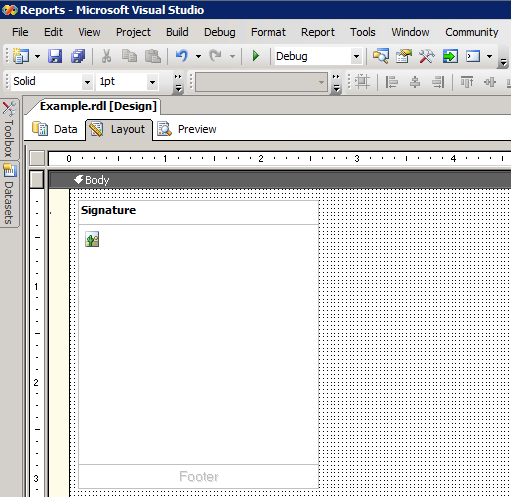
RESULT
Enjoy!