Contents tagged with Animation
-
A simple Text Marquee Control in Silverlight
-
Exploring Clip Property of UIelement to Make Animation in WPF
Every UIelement has a Property named clip, which is Geometry type. You can set any geometry used to define the outline of the contents of an element. Only the area that is within the region of the geometry will be visible. Portion of UIelement outside the geometry will be visually clipped in the rendered layout. Using Clip property of UIelement in WPF, you can do lots of animation. I think it is a powerful way of doing animation. Possibilities are endless. You can do most geometrical type of animation in 2D using this technique. I have just published an article about this technique.
-
Making a Simple Marquee Text Control, Drip Animation and Roll Animation in WPF
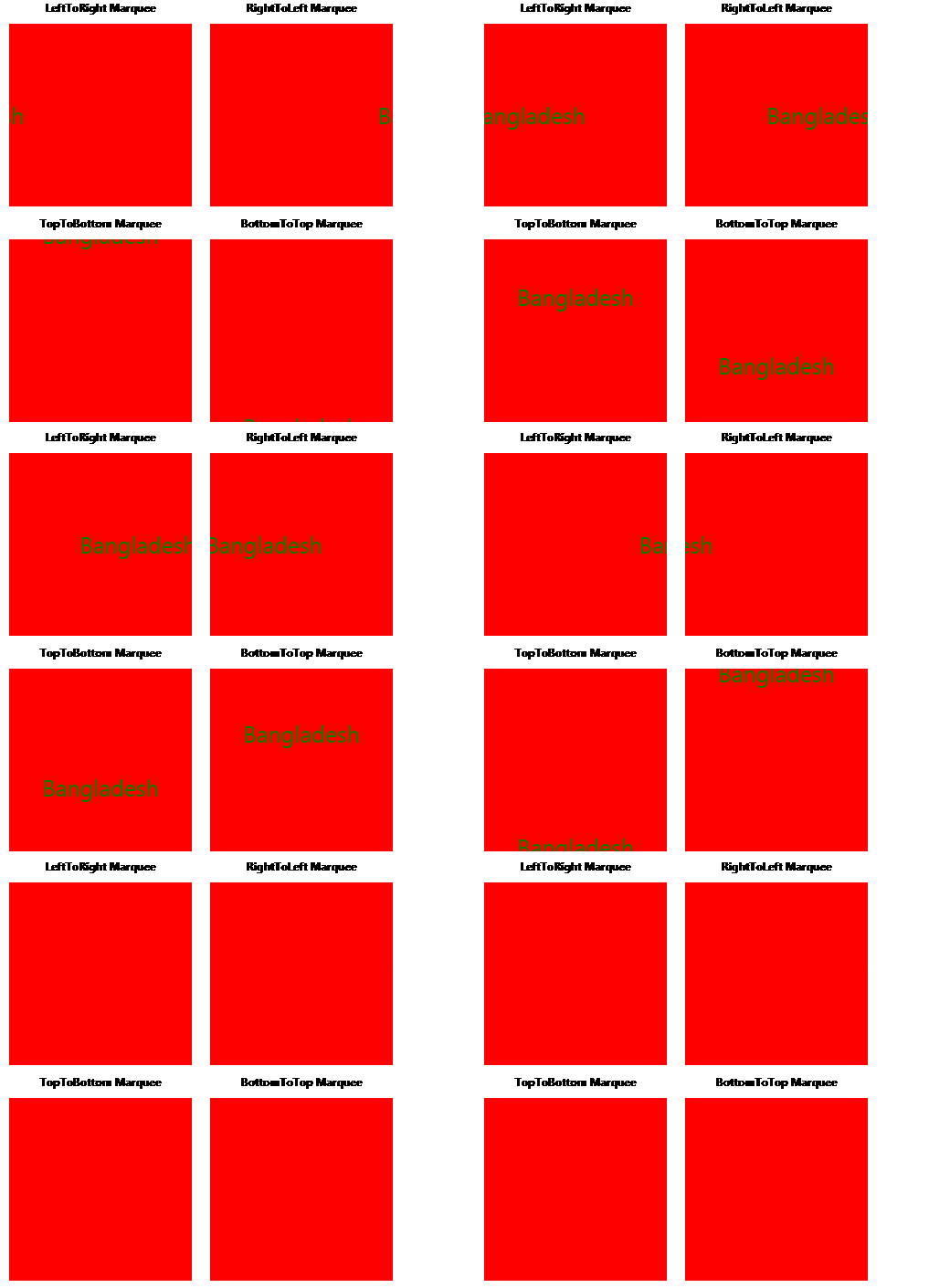
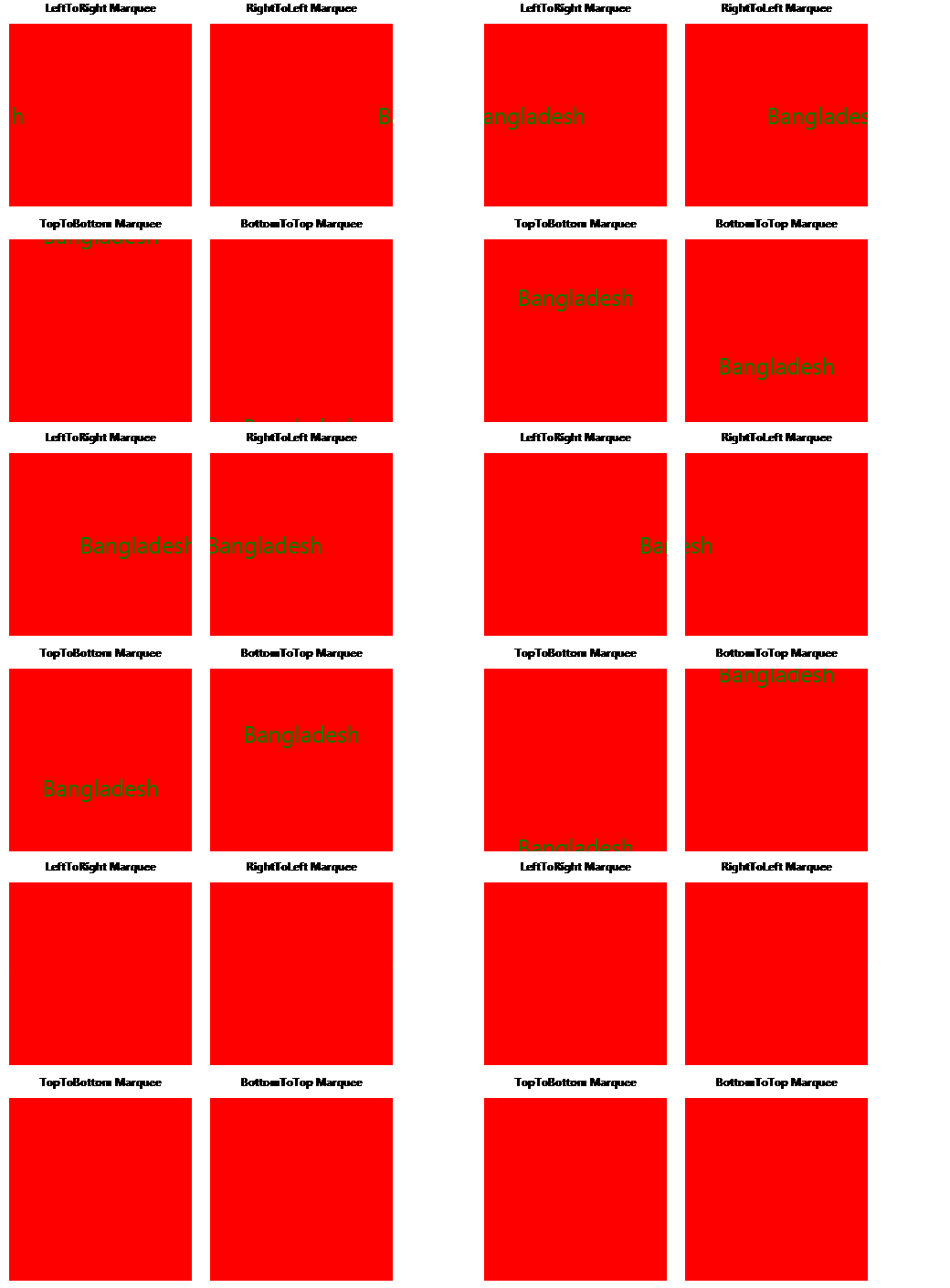
An animation consists of a series of frames. To perform the animation, these frames are shown one after the other at a regular time interval. I have just published an article about how i came up with marquee text control, Drip animation, and Roll animation.
-
Perspective camera animation on a cube in WPF 3D
I have started WPF 3D at my work. Actually, i wanted to make roll animation effect using WPF 3D. After some R&D, I came up with roll animation using 2D animation, which I described in my previous blog post. At first, I tried to make roll animation using perspective camera rotation. For that, I have made a sample program, which I am discussing in this blog post. In this sample program, a 3D cube rotates along the y-axis. The animation looks like the following:
-
Creating a Roll animation effect in WPF
I know one picture can tell what the Roll animation looks like instead of writing many sentences. The animation looks like the following:
-
Wheel Clockwise animation in WPF
This animation is like the Wheel Clockwise, 1 spoke, animation of MS power point. Some people also call this animation as Radial animation. This animation starts from a line, which points from the centre to top middle, and then it rotates 360 degrees in clockwise direction and makes the underlying object visible. I know one picture can tell what is the animation looks like instead of writing many sentences. The animation looks like the following:
-
Making circle animation in WPF

-
Creating marquee/scrolling text in WPF