Archives
-
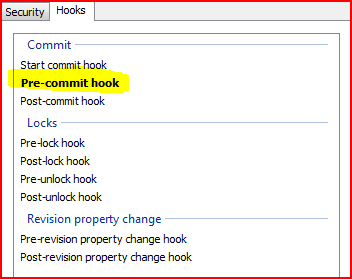
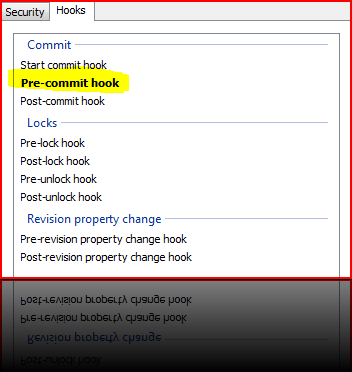
VisualSVN Server - Enforce Comments
-
Agile Sticky Board
I had a long plan to demonstrate in an animated way a software project progress without using any software or what is know in agile as Sticky Borad (stickies board). Wanted to capture the process of thought, the evolution and how things are dynamically progressing. The chance finally came to do so.
-
MbUnit–Hidden Gem
Row tests are fun. You can simulate various inputs with expected outputs and execute them all with a single observation (test). The problem for myself was always the fact that when this was done, the only way to accomplish it was to merge the logical because which operates on system under test behaviour and the observation itself (assertion). This leads to a slightly less readable code IMO.
-
C# 4.0 in a Nutshell–Book
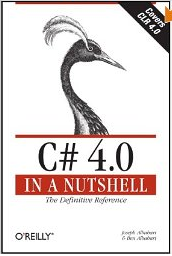 I like to refresh my memory on the basics. A lot of times you’ll look at something that you already know slightly different every single time. So is true with this book. It’s a great reference for C# as well as cover for the new features introduced in 4.0 (one of those I have already blogged about).
 -
Drive–Book
It started with Jonathan talking about the video he saw, Drive: The surprising truth
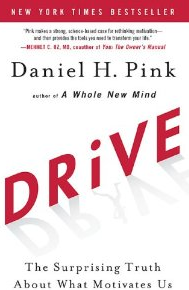 about what motivates us. I really liked it, and decided to proceed to the book. The book is outstanding, hits in the target. Among other things, I can definitely use it to explain a good portion of things that happened to me in the past. What is interesting, is what Daniel Pink describes as “Drive”, Mihaly Csikszentmihalyi describes as “Flow” (another book to read). I really liked the language and associations Pink has used in the book – software and computers. This makes analogies and examples extremely simple. Good read.