SharePoint Content Management Package (CMP) explorer
Ronalus has created a great small utility to explore the contents of SharePoint Content Management Pages called Content Migration Package Explorer.
This tool can be used to investigate the data exported by the SharePoint Content Migration API. You can create an export either with stsadm.exe, or with custom code.
As example for this weblog I exported a simple site containing some test data using the following command:
Stsadm.exe –o export –url http://wss3dev/FlexShop -filename c:\temp\FlexShop -nofilecompression
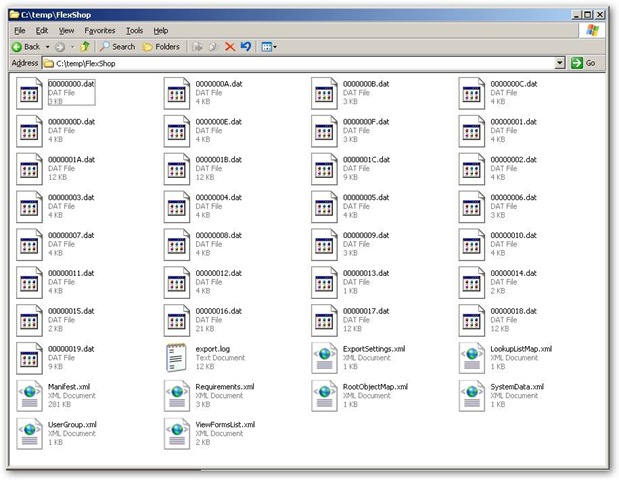
We now have a folder containing the output files, a set XML files and other files:
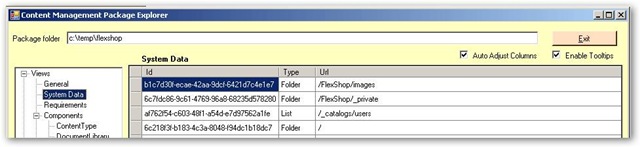
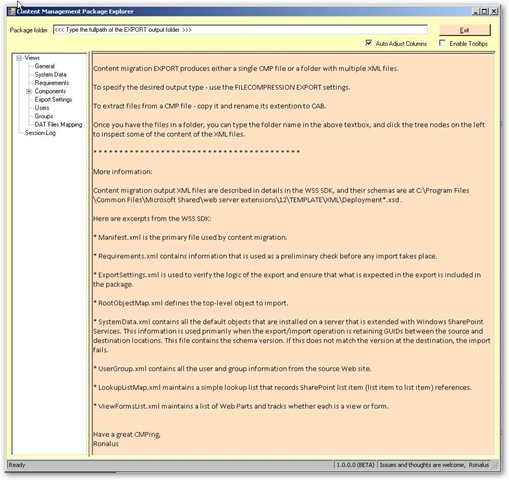
If we fire up the Content Migration Package Explorer we get the following startup screen:
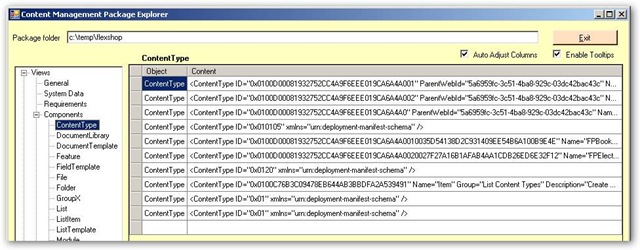
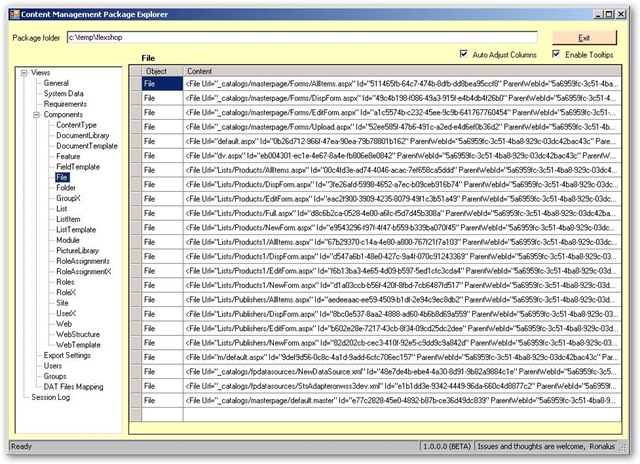
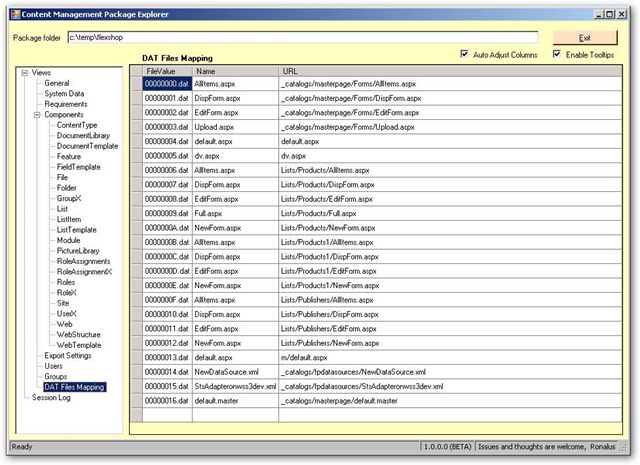
You can now enter the export folder and browse through the exported information using a simple to use explorer, see below for some screenshots: