Visual Studio 2008 with TFS Explorer broken with SP1
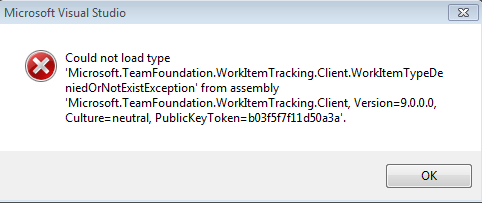
When working in on a fresh Visual Studio 2008 SP1 install I needed to use TFS (as always) so I installed the TFS Team Explorer client from the TFS disk and I kept getting the following error whenever trying to view/edit Work Items:
Could not load type 'Microsoft.TeamFoundaton.WorkItemTracking.Client.WorkItemTypeDeniedOrNotExistException' from assembly 'Microsoft.TeamFoundation.WorkItemTracking.Client, Version=9.0.0.0,Culture=neutral, PublicKeyToken=b03f5f7f11d50a3a'.
After trying several fixes on different boxes, I think it is really a simple versioning problem, where VS SP1 upgrades some TFS dlls and then the old TFS client get installed and can’t load the correct dlls.
I have not tested this, but I bet if you install TFS Team Explorer before you install VS SP1 then things will work out OK.
If You Have This Problem
It seems the solution is simple to reinstall VS 2008 SP1 and it will fix up the dlls. Don’t worry too much about the install time, it is much faster to repair SP1 then install in fresh the first time.
I Hope this helps.