NServiceBus VideoStore with Azure WebJobs
In my previous post I have demonstrated how NServiceBus endpoint can be hosted in a WebJob. To extend that concept and demonstrate that you could host multiple endpoints, I have taken NServiceBus VideoStore sample application and converted non-web endpoints to be hosted int WebJobs. Bits, as usual, are on GitHub.
What VideoStore sample does?
This sample demonstrates an online ordering system for
purchasing videos. Behind the scenes, there are a few
endpoints. Sales endpoint is executing a long running
process (aka
Saga in NServiceBus
world) called ProcessOrderSaga. This saga is
executed for each submitted order. A few other endpoints
(Content Management,
Customer Relations, and
Operations) are involved as well, using
commands and
Pub-Sub mechanism.
Sales endpoint also implements "Buyers Remorse"
option, where an order can be cancelled within certain
period of time after it has been posted.
WebJob naming
When in Rome do as the Romans do. So is with WebJobs.
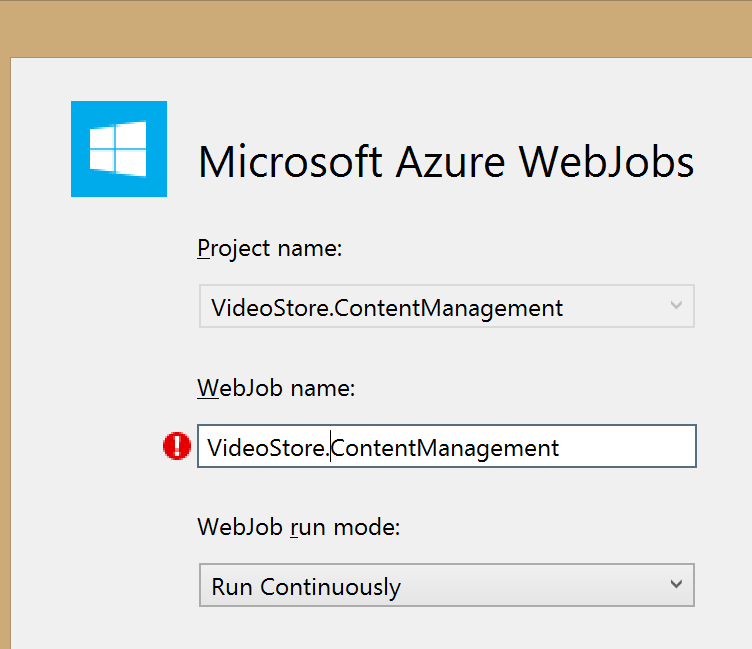
WebJobs are strict about names - letters and dashes only.
Therefore all endpoint names in this sample where deployed
with names updated to include dash - instead of
dot . (Ex:
VideoStore.Sales endpoint would become a
VideoStore-Sales WebJob).
|
=> |

|
Deployment
WebJobs require a WebSite to be published under. There are two options to deploy:
- Deploy as a WebJob (used this option for the post)
- Link and deploy with a web project
MSDN has documentation on both methods. Worth mentioning that both options play nicely with automation and CI.
All endpoints Deployed
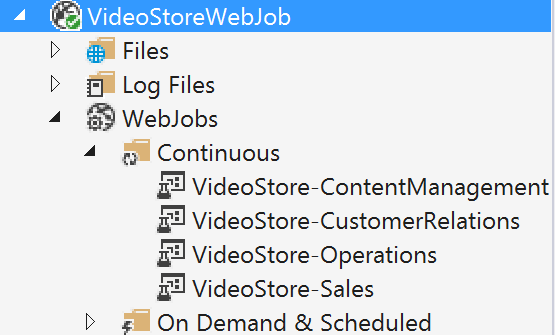
Once all endpoints are deployed (4 of them), quick validation can be performed to ensure all webjobs are well and running.
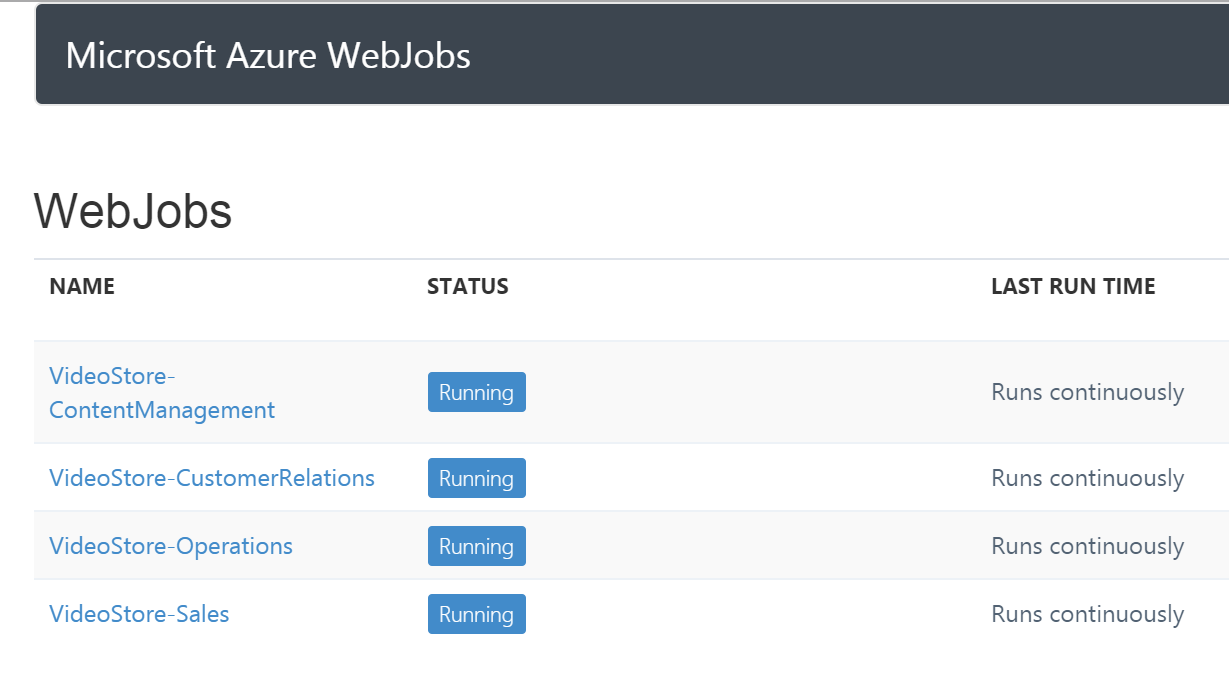
Drilling into any endpoint should result in a running host. This is continuous WebJobs in action and it's used to self-host each endpoint.
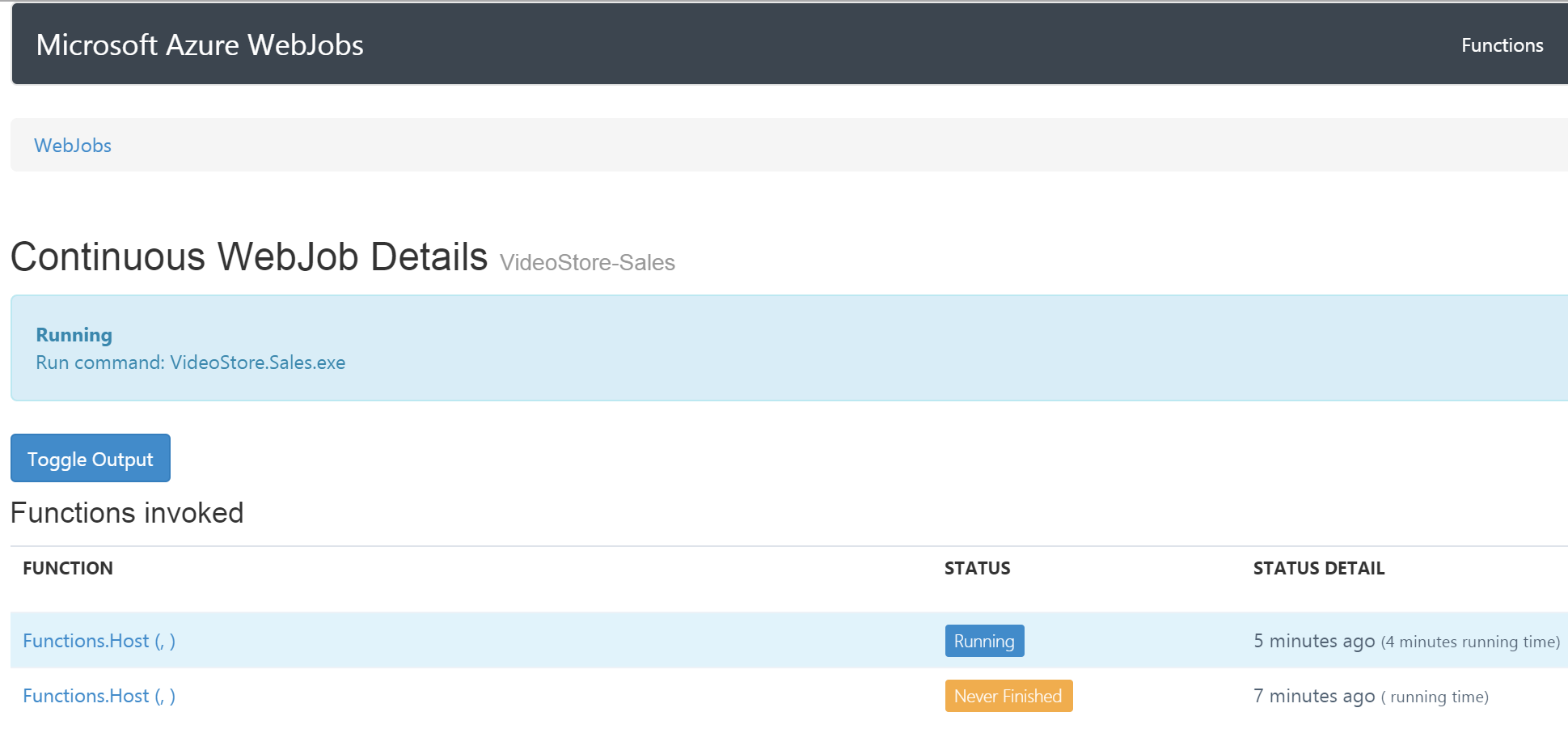
Go ahead, toggle Output to see if endpoint has
successfully loaded. If it didn't, then it would be the
right time for logging.
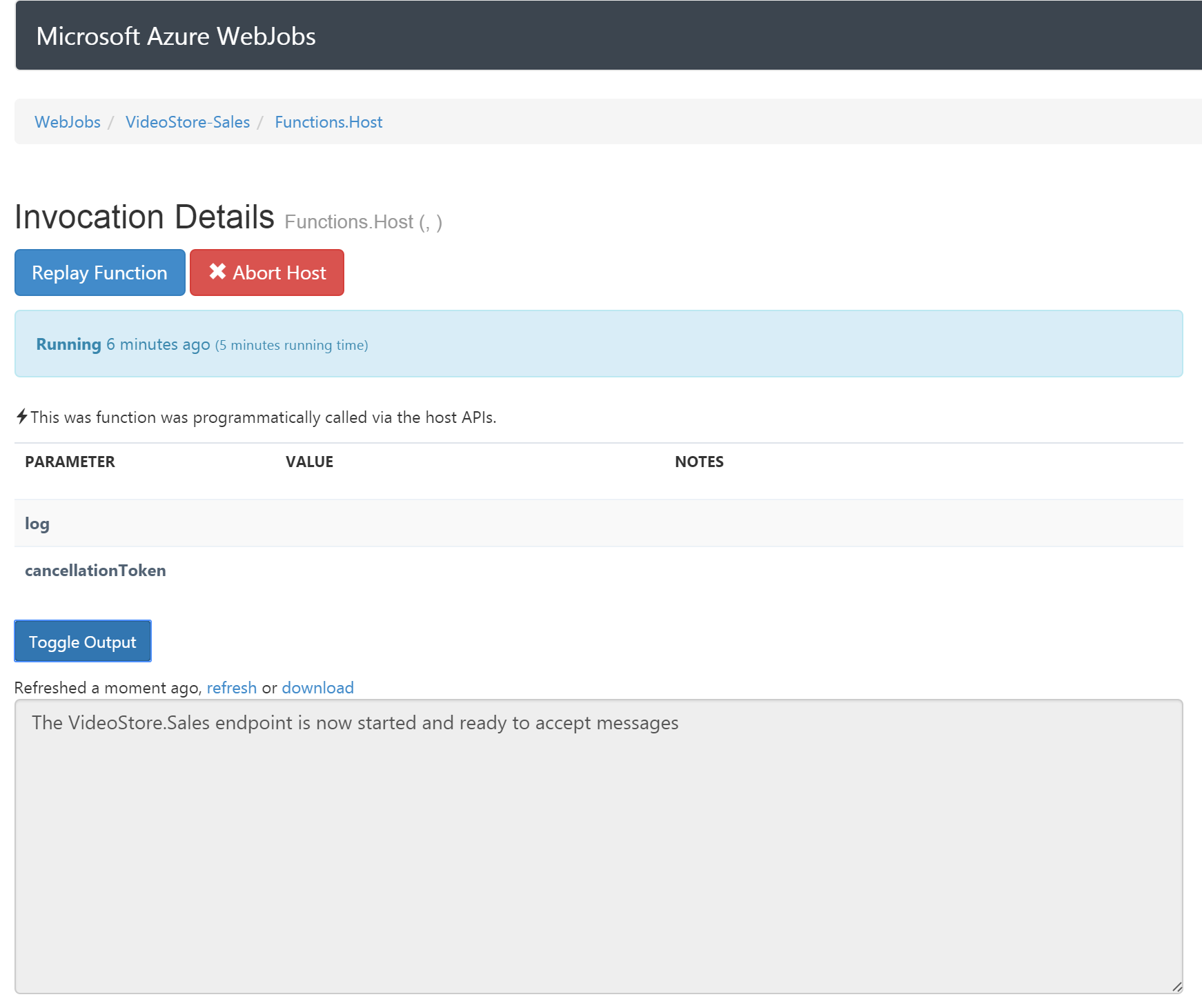
Running
Great, endpoints are loaded and running.
First scenario is to submit an order and wait over 20 seconds to see order going through cycle of submitted, and finally completed.
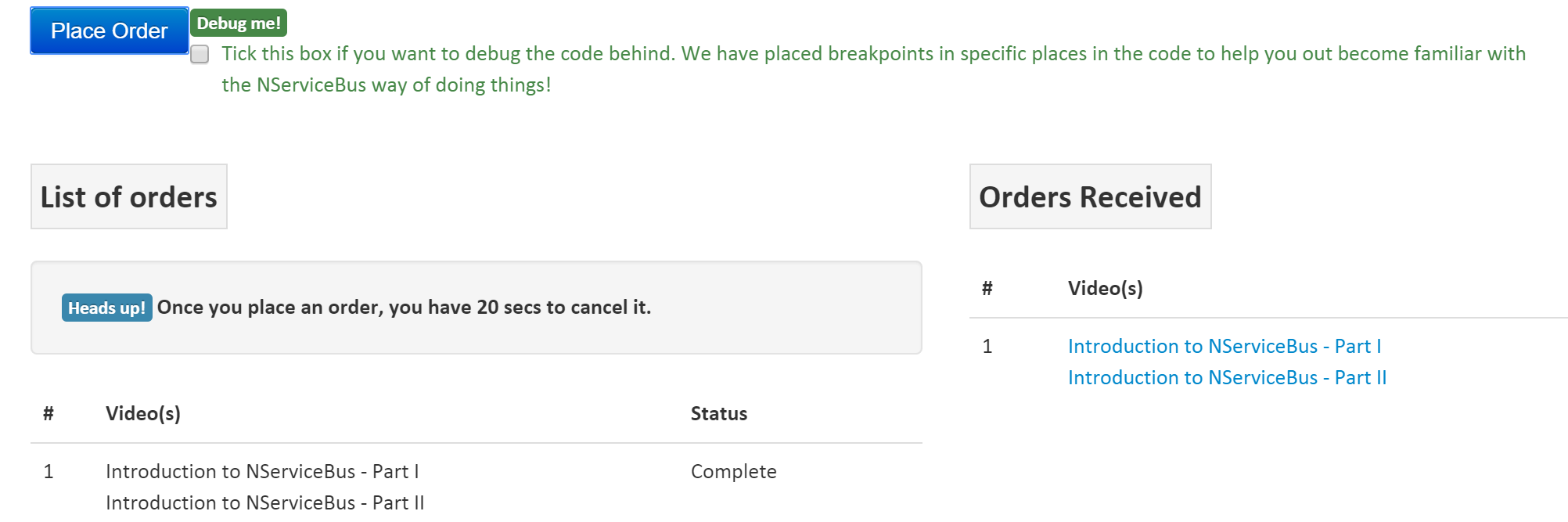
Second scenario is to cancel an order within 20 seconds after submission to void it.

Testing and Debugging
You can test and debug your endpoints hosted in WebJobs using Visual Studio tools for Azure. It is straight forward and easy. You can also run it all locally, though for WebJobs you will need to point to the real Azure Storage accounts since emulator won't be enough.
Steps for debugging are
Step 1 - Access Azure services through
Visual Studio Server Explorer windows
(CTRL-ALT-S), navigate to the WebSite hosting
WebJobs, and select a WebJob for debugging.
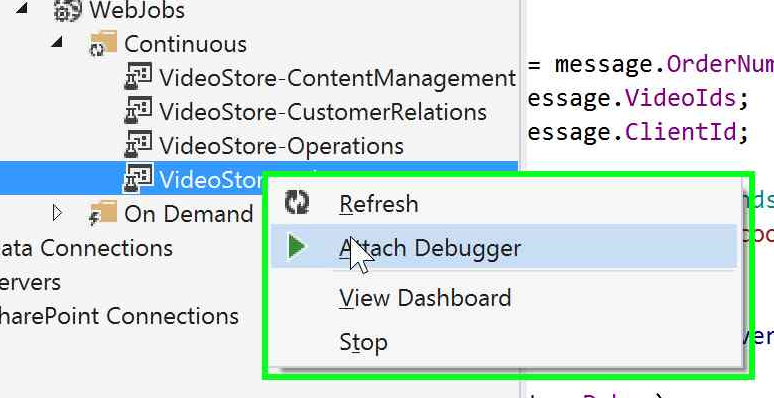
Step 2 - Attach Debugger
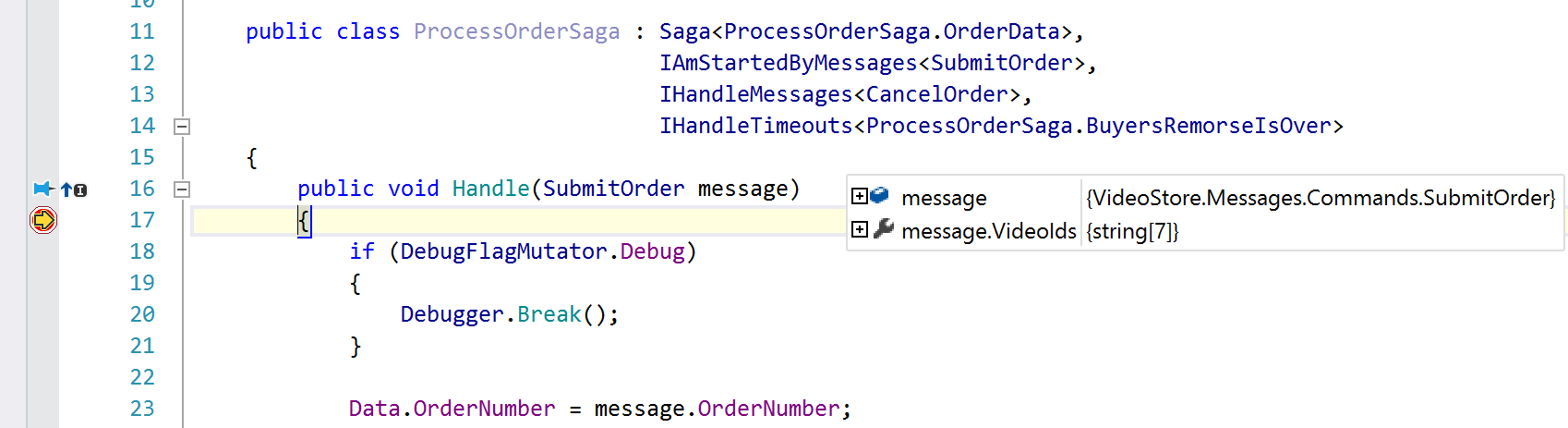
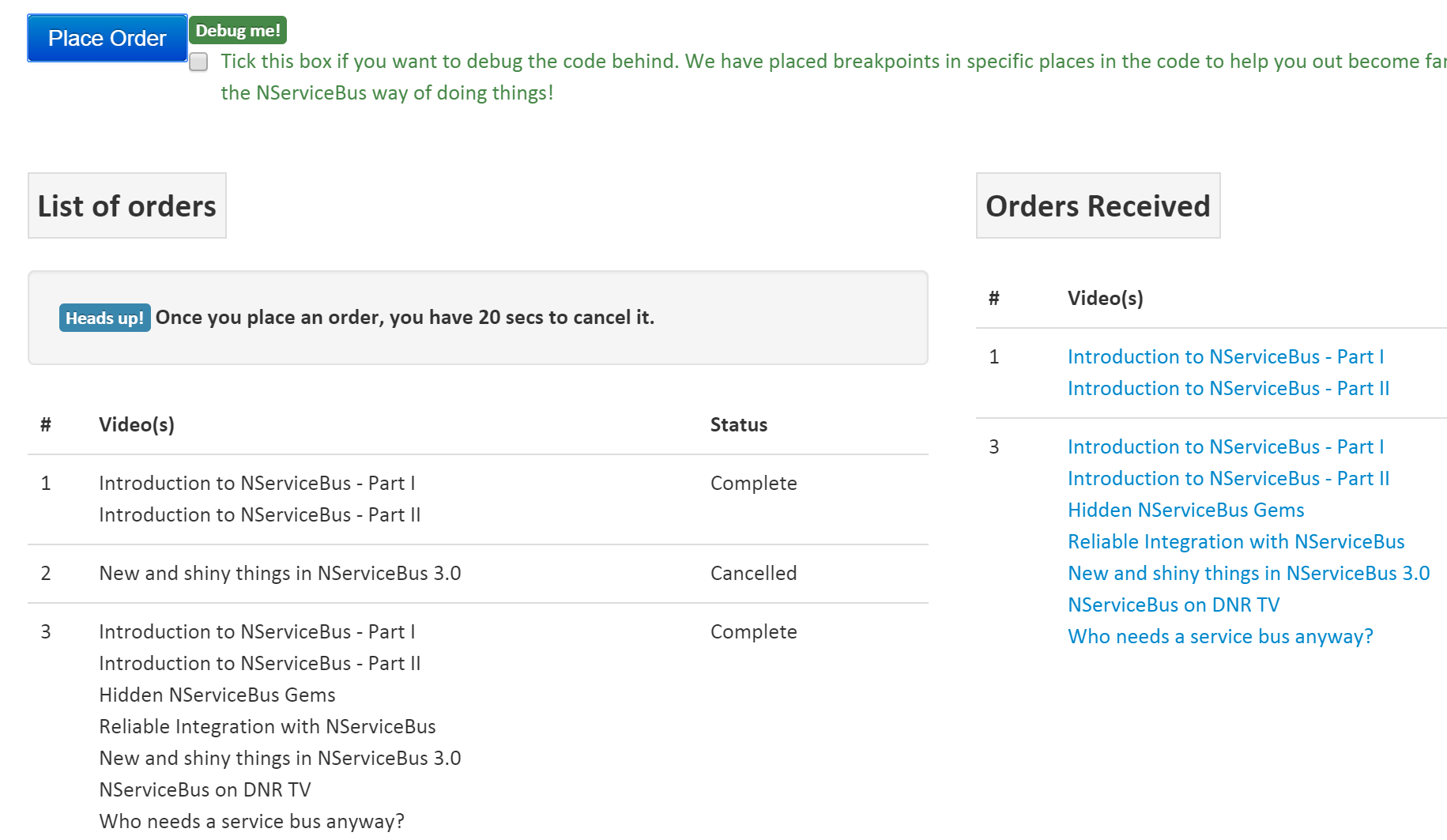
Step 3 - Step through code Visual Studio will stop at the break points set in WebJob. I have selected 7 videos in my order, so 7 links should show up in completed order on the client side.
Step 4 - Results validation
Everything that ends well
NServiceBus hosting on Azure is extremely powerful and
flexible. You can pick and choose based on your needs and
budgets. IMO, WebJobs are great to run quick NServiceBus
prototypes on Azure, eventually converting them into Cloud
Services, with or without
Dynamic Host. Take the sample for a spin, and share your
thoughts/comments.