Tips and Tricks - Register web user controls in web.config
If you are working a lot with web user controls and you have many of them repeating in different pages, you may consider registering them in web.config instead of the pages. I have been using this simple trick many times now, so I thought it would be nice to share it with you.
Lets say I have the following controls in my web application:
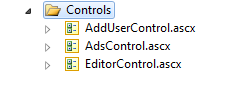
So, the AdsControl.ascx is a control which I use in 90% of the pages, showing advertisement.
Instead of doing this
in all pages where I need to use the control, its much better do to this
<pages>
<controls>
<add tagPrefix="hajanAd" src="~/Controls/AdsControl.ascx" tagName="AdsControl" />
<!-- We can have as many controls registered -->
</controls>
</pages>
</system.web>
Build the project.
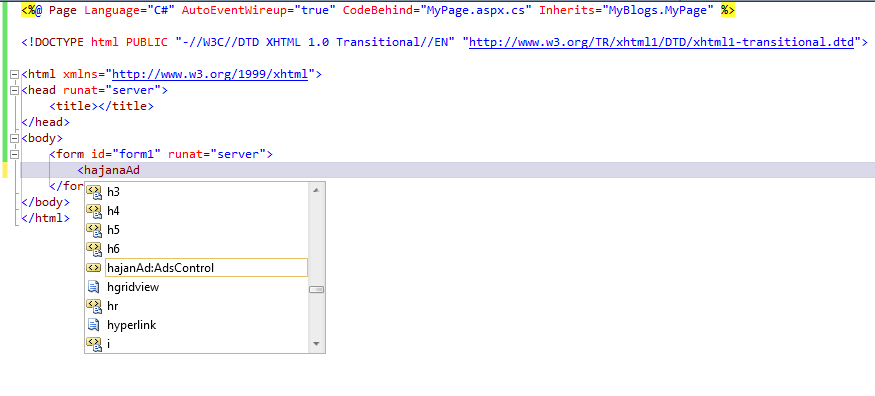
Now, open any web page in your project and try if the IntelliSense have this already (sometimes it may take several seconds for IntelliSense to register this)
Hope this was useful tip.
Regards,
Hajan